


Troubleshooting
Mac panel won't open
DragMotion shows in Premiere's menu on Mac but clicking it doesn't open.
~95% of the time this is macOS's CEP (Adobe Extension Runtime) security lock — it doesn't open self-signed third-party extensions by default.
Fix (30 seconds)
1. Fully quit Premiere
Cmd + Q. If it's still in the Dock, right-click → Quit.
2. Open Terminal
Spotlight (Cmd + Space) → "Terminal" → Enter.
3. Paste these commands one by one
defaults write com.adobe.CSXS.12 PlayerDebugMode 1
defaults write com.adobe.CSXS.11 PlayerDebugMode 1
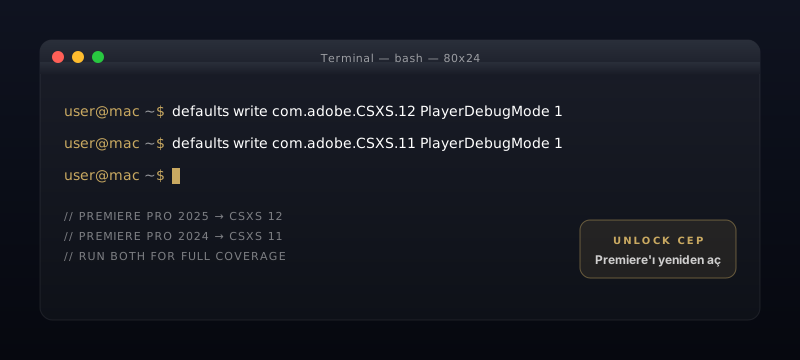
Press Enter after each. CSXS 11 vs 12 depends on Premiere version — running both covers all releases.
4. Re-open Premiere
5. Access the panel
Window → Extensions → DragMotion
The panel will open.
Still not opening?
Check these:
- macOS Sequoia or later: System Settings → Privacy & Security → Full Disk Access → add Premiere Pro to the list
- Apple Silicon Mac: confirm Premiere is running in ARM native mode (default)
- Extension may not have installed: check that
~/Library/Application Support/Adobe/CEP/extensions/DragMotion/exists
Get support
If the steps above don't work, email support@dragmotion.com with:
- Your macOS version (Apple menu → About This Mac)
- Your Premiere Pro version
- What happens on click: nothing at all, or a blank window